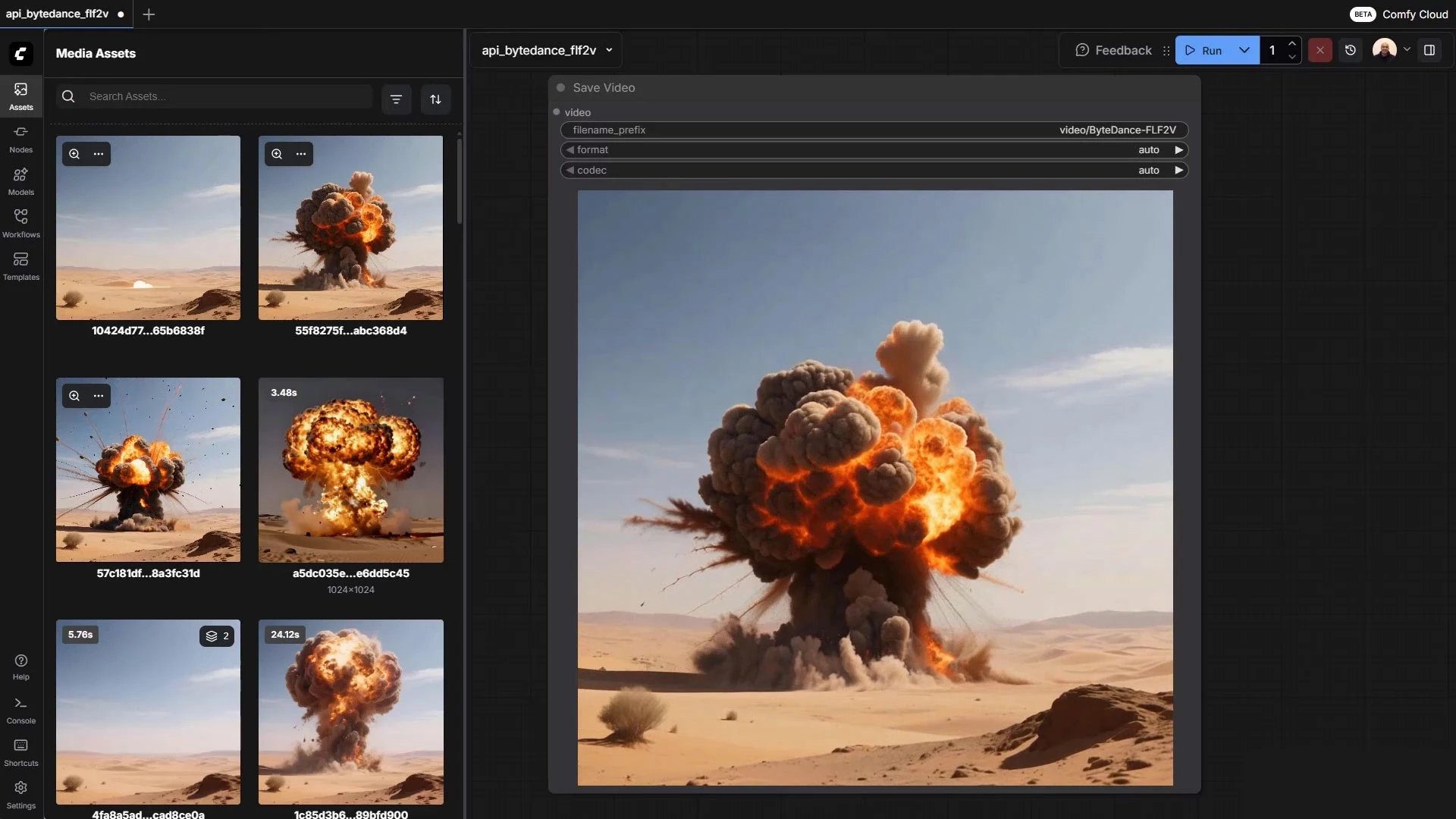
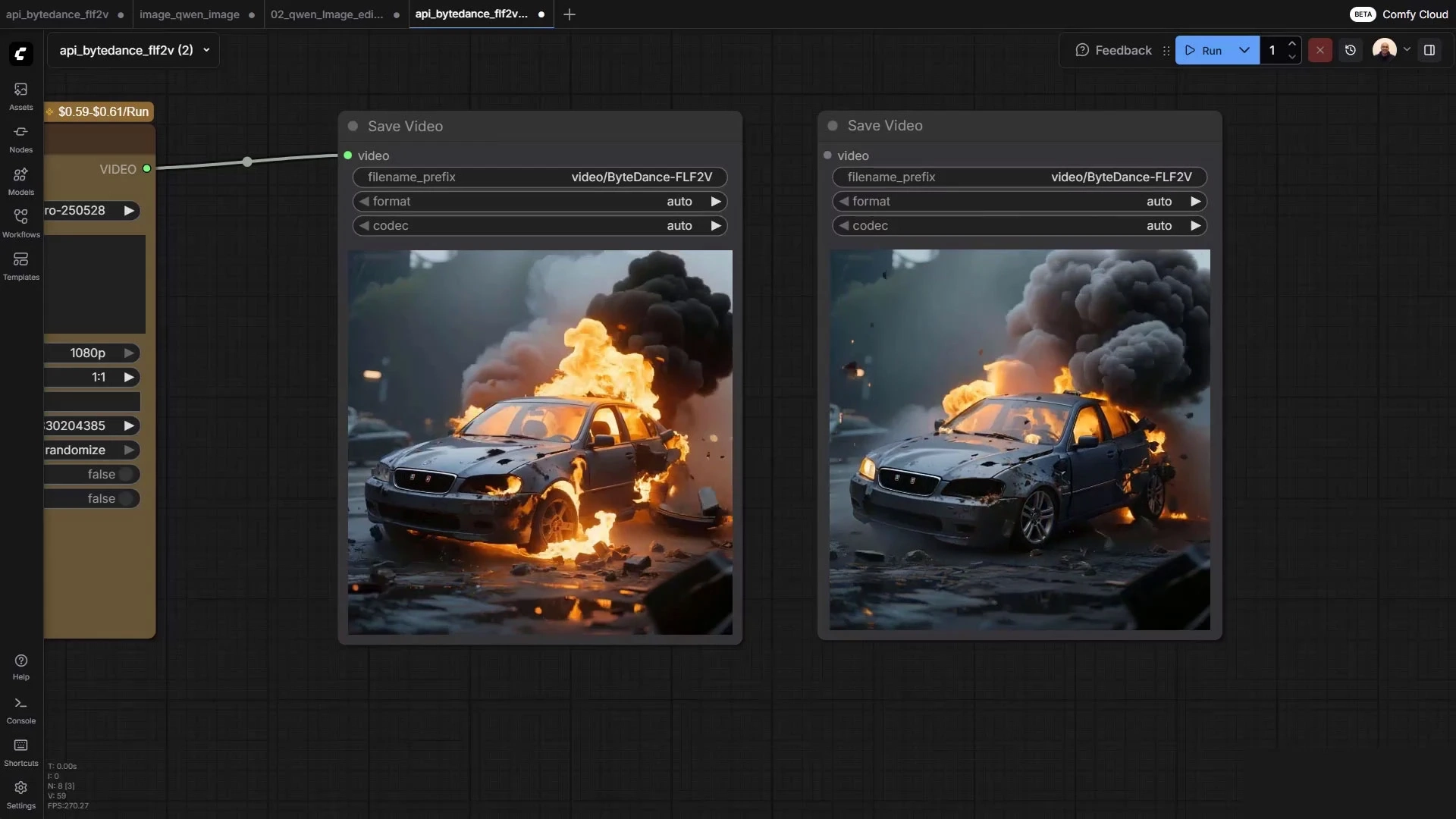
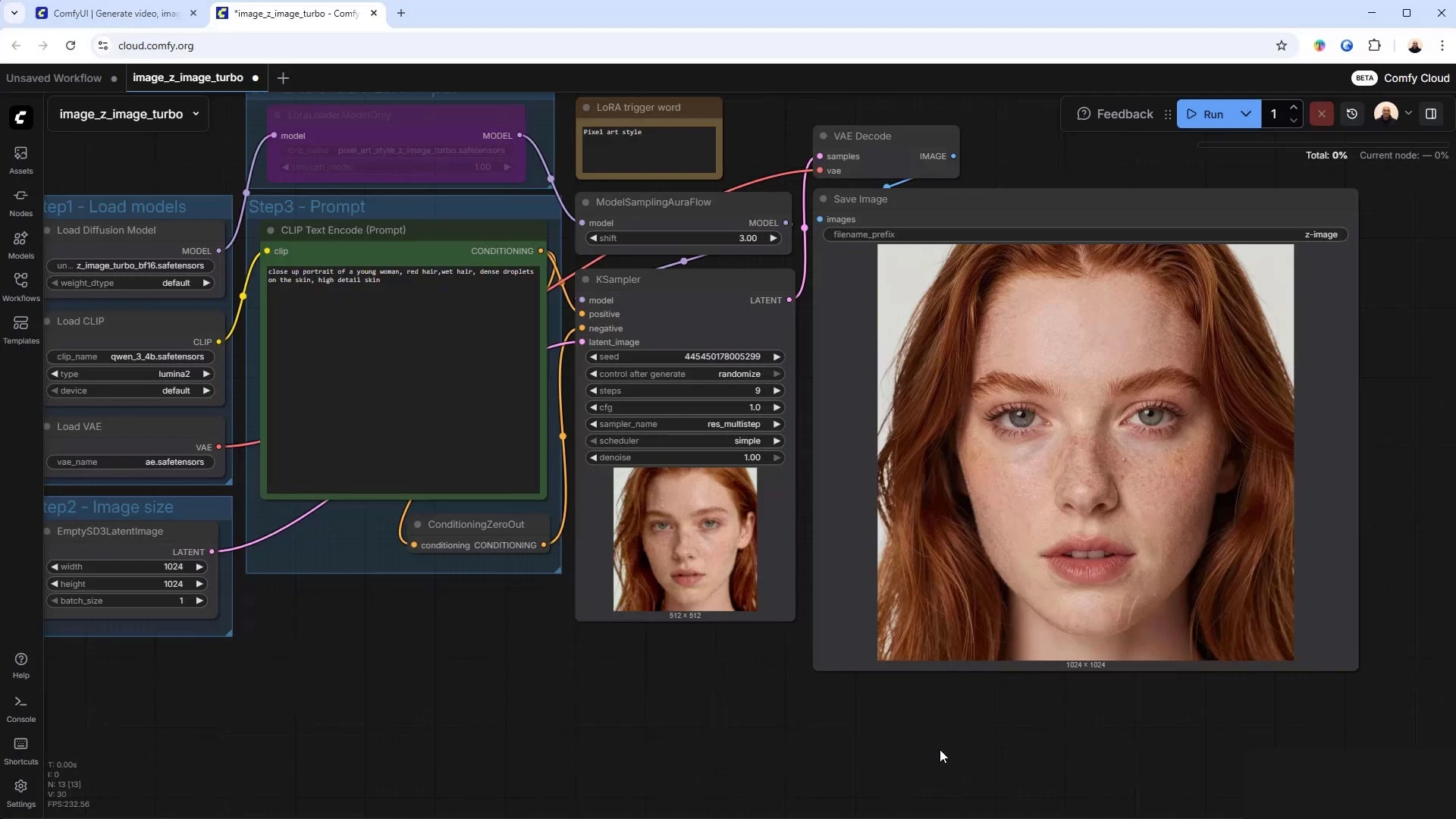
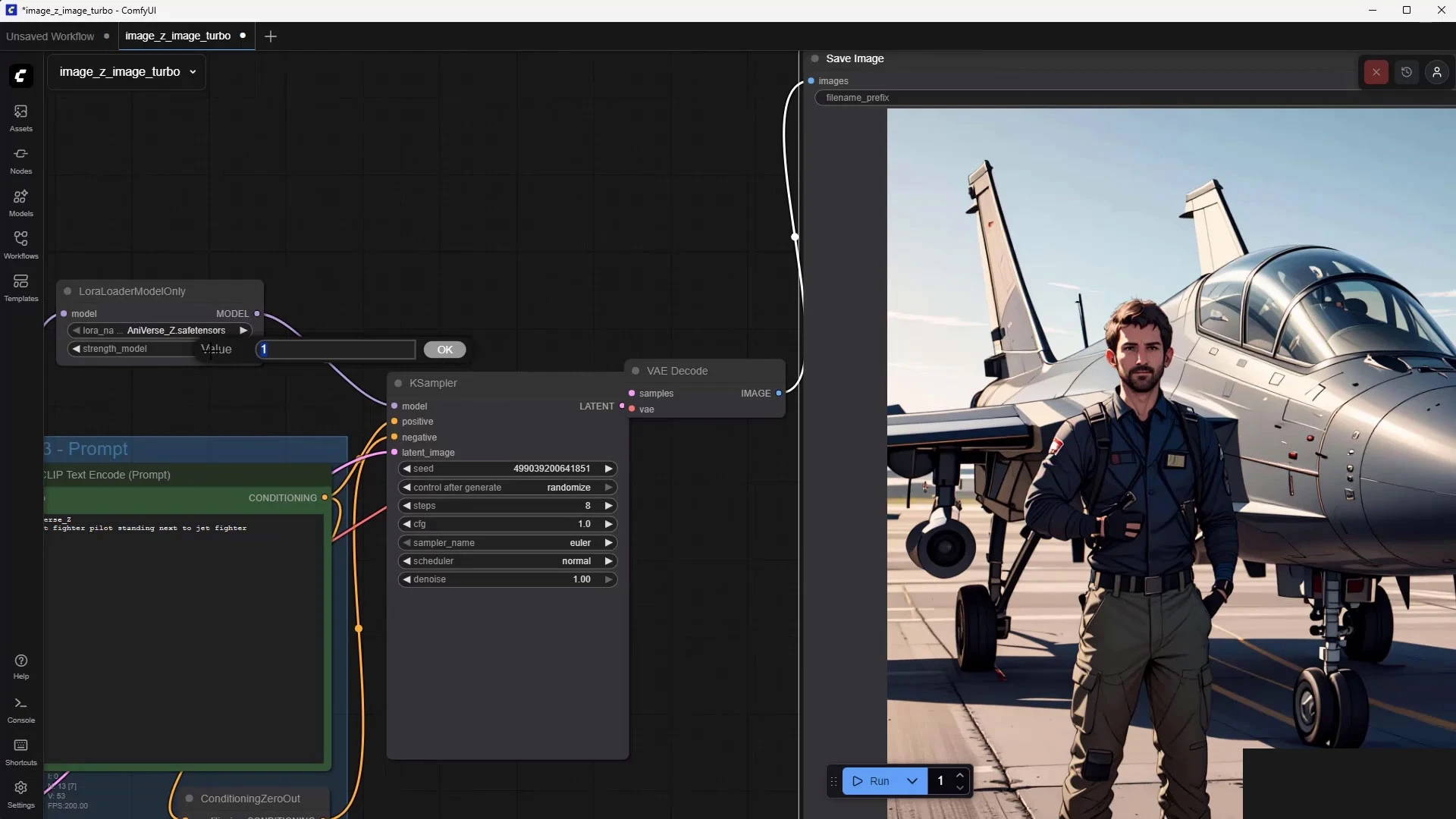
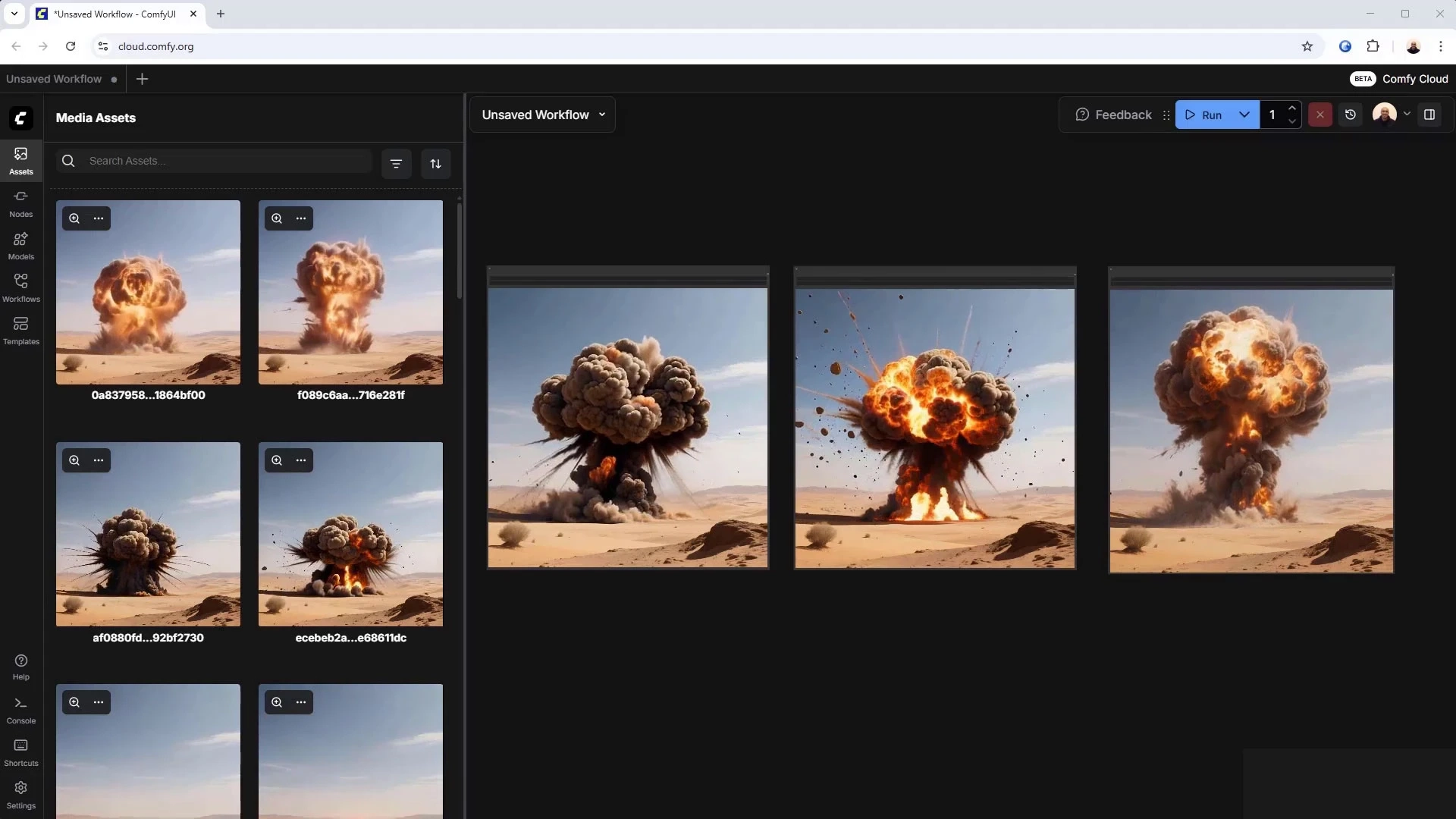
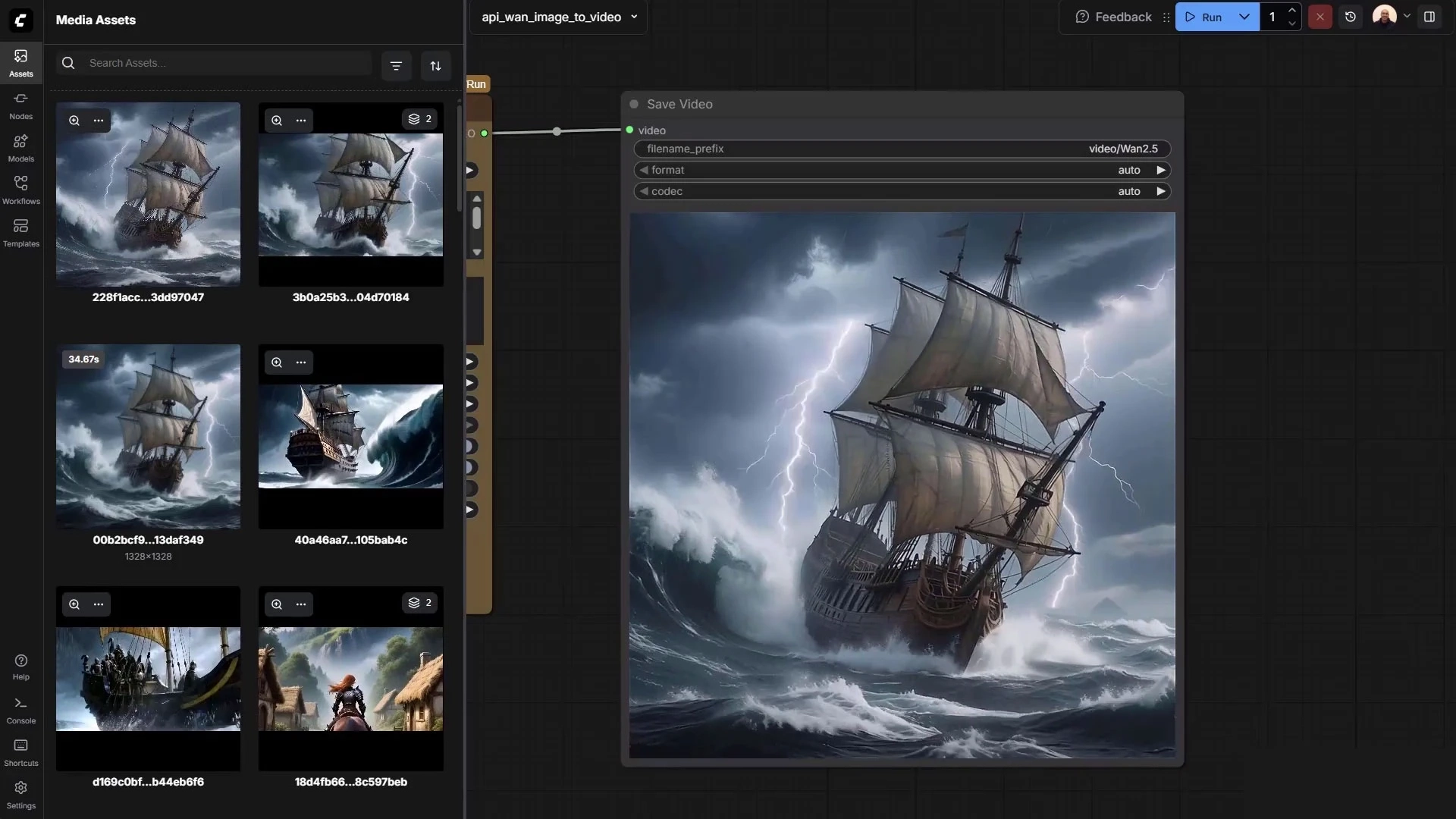
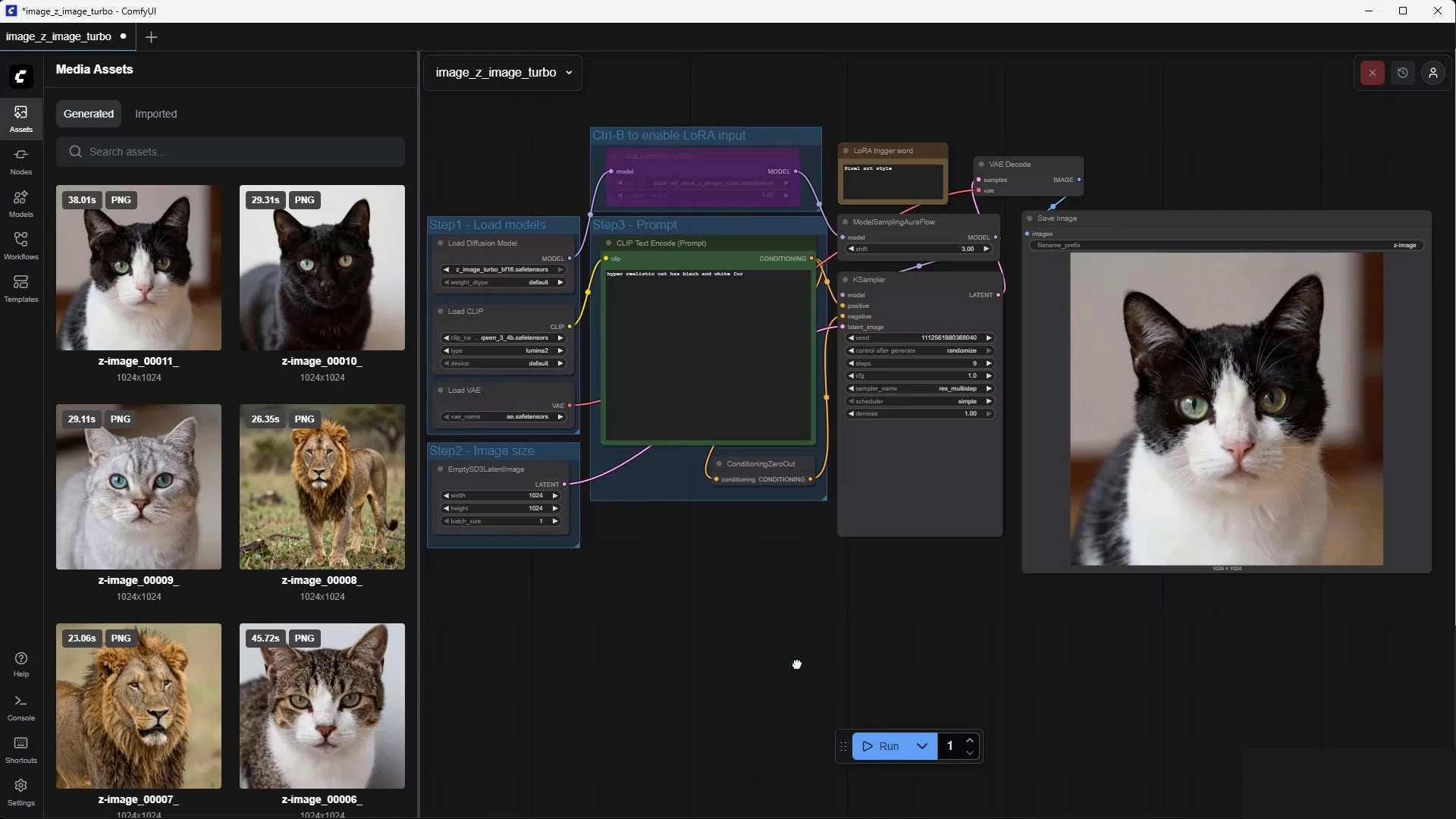
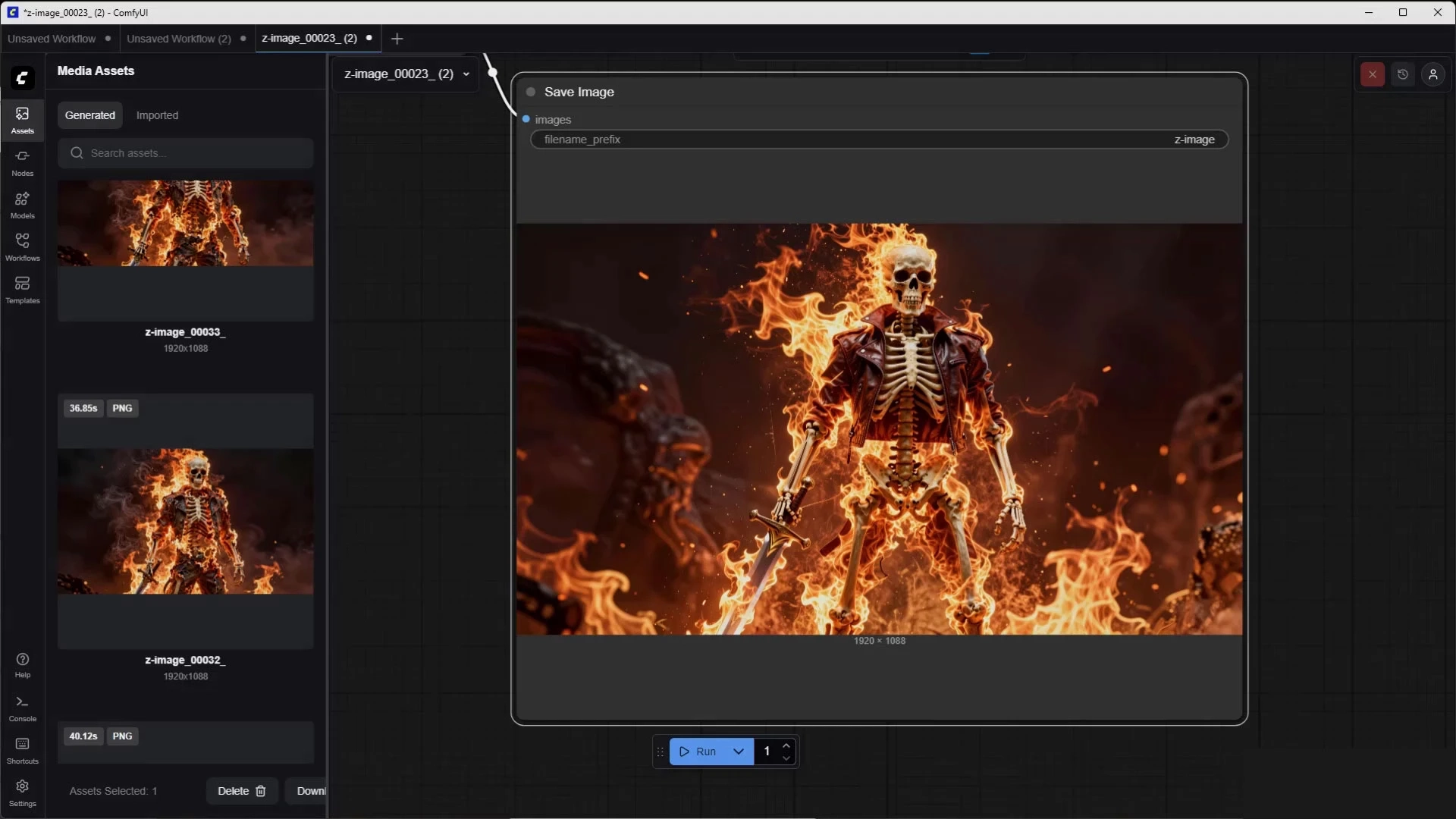
30-Day Money-Back Guarantee + Full Lifetime Access
“For any downloading issues, please contact our support team. 7821980742 ( Whatsapp Only ) If we are unable to resolve the issue, we will refund your money.”
Description
What you’ll learn
Learn the fundamentals of ComfyUI
Understand how nodes work in ComfyUI
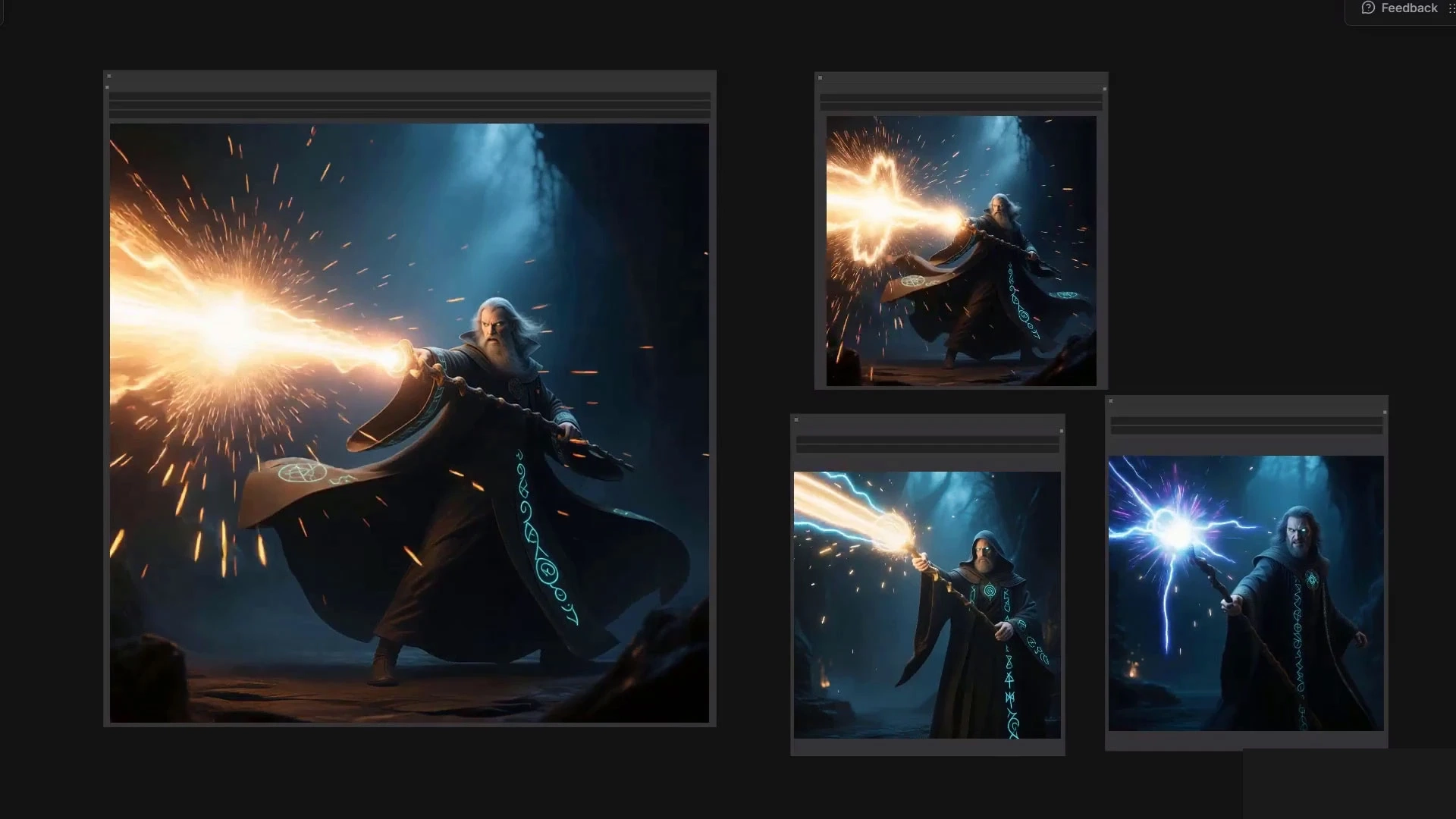
Create professional AI images
Create vfx using ComfyUI
Use AI as a tool for artists
Control diffusion results for consistency and realism
Who this course is for:
Concept artists
Video creators
Visual effects artists
VFX artists working in film, CGI, or post-production
Motion designers and compositors
Beginners in ComfyUI who want a professional foundation
This course includes:
3 hours on-demand video
Assignments
1 article
11 downloadable resources
Access on mobile and TV
Requirements
No programming skills needed
Why Learn from This Course
This course is built on experience, research, and realism. Everything shown is something you can adapt, reuse, and integrate into your own workflow.
learn how to actually use ComfyUI in real VFX work, this course is designed for you.
Frequently Asked Questions
−How do I access the course after payment?
Once your payment is successful, you will receive an instant download link on the website and in your email. You can access the course immediately — no waiting required.
+Is this course beginner friendly?
Yes, absolutely. This course is designed for complete beginners. You don’t need any prior knowledge to start.
+Do I need prior experience in design?
No prior experience is required. Everything is explained step-by-step from the basics, so anyone can follow along easily.
+Is this a one-time payment?
Yes. This is a one-time payment. There are no hidden fees, subscriptions, or recurring charges.
+Can I watch the course offline?
Yes. The course is available for download, so you can watch it offline anytime, anywhere.
+Is there a refund policy?
Yes. For any downloading issues, please contact our support team.7821980742 ( Whatsapp Only ) If we are unable to resolve the issue, we will refund your money.”
Instructor
Raffi Bedross
4.4 |
★★★★☆ |
168 Ratings |
👨🎓 697 Learners
Sharing is who I am, and teaching is where I am at my best, because I’ve been on both sides of that equation, and getting to deliver useful training is my meaningful way to be a part of the creative community. I’ve spent a long time watching others learn, and teach, to refine how I work with you to be efficient, useful and, most importantly, memorable. I want you to carry what I’ve shown you into a bright future. I have a wife (a lovely Irish girl) and kids. I have lived and worked in many places (as Kiwis tend to do) – but most of my 14+ years of creating and teaching has had one overriding theme: bringing others along for the ride as we all try to change the world with our stories, our labours of love and our art. I’m a certified Adobe instructor (ACI) in Ireland. I’m also an Adobe Certified Expert (ACE) and have completed the Adobe Certified Associate training (ACA). And I don’t just do Adobe. Remember, media is a very broad term – digital blew out the borders, so we are all constantly learning. I’ve been teaching for 14+ years. I come from being a media designer and content creator – so I understand exactly where you’re at now. I’ve been there. I love this stuff. Print, digital publishing, web and video. I can see how it all connects. And I can see how we can share those connections. I built Bring Your Own Laptop in Ireland, New Zealand, Australia & online. I have a great team working with me to keep BYOL at the top of Adobe and digital media training. I understand business, I have one – so I know how important it is to get it right and make it work for you. Now my focus is on Udemy. It’s my mission to bring you the best training for digital media on Udemy. Daniel Walter Scott
Reviews
Aashik V
7 days ago
A great intro to get rid of any trepidation you might have towards using AI and prompting. I hope Raffi keeps updating this course with whatever new models he finds to be the best for projects and general video making.
Helpful?👍👎
Thailan
25 days ago
realy good source for understanding what is comfyui, what can do, how to use. Very usefull videos for learning basics.
Helpful?👍👎
Elohim
2 months ago
Very informative. Elaborated portion of z-image turbo content.
Helpful?👍👎
Gianluca
3 months ago
è stata molto utile ma ha saltato tante cose che mi sarebbe piaciuto approfondire, tra cui, gli upscaler, ma soprattutto una spiegazione sui nodi più esaustiva
Helpful?👍👎
Curtis
5 months ago
Good course so far, can't wait for more updates.
Helpful?👍👎
1. Introduction to Figma Essentials Training Course 2. Getting Started with Figma Training 3. What is Figma Used For & Does It Do the Coding? 4. What’s the Difference Between UI and UX in Figma? 5. What We Are Making in This Figma Course 6. Class Project 01 – Create Your Own Design Brief